
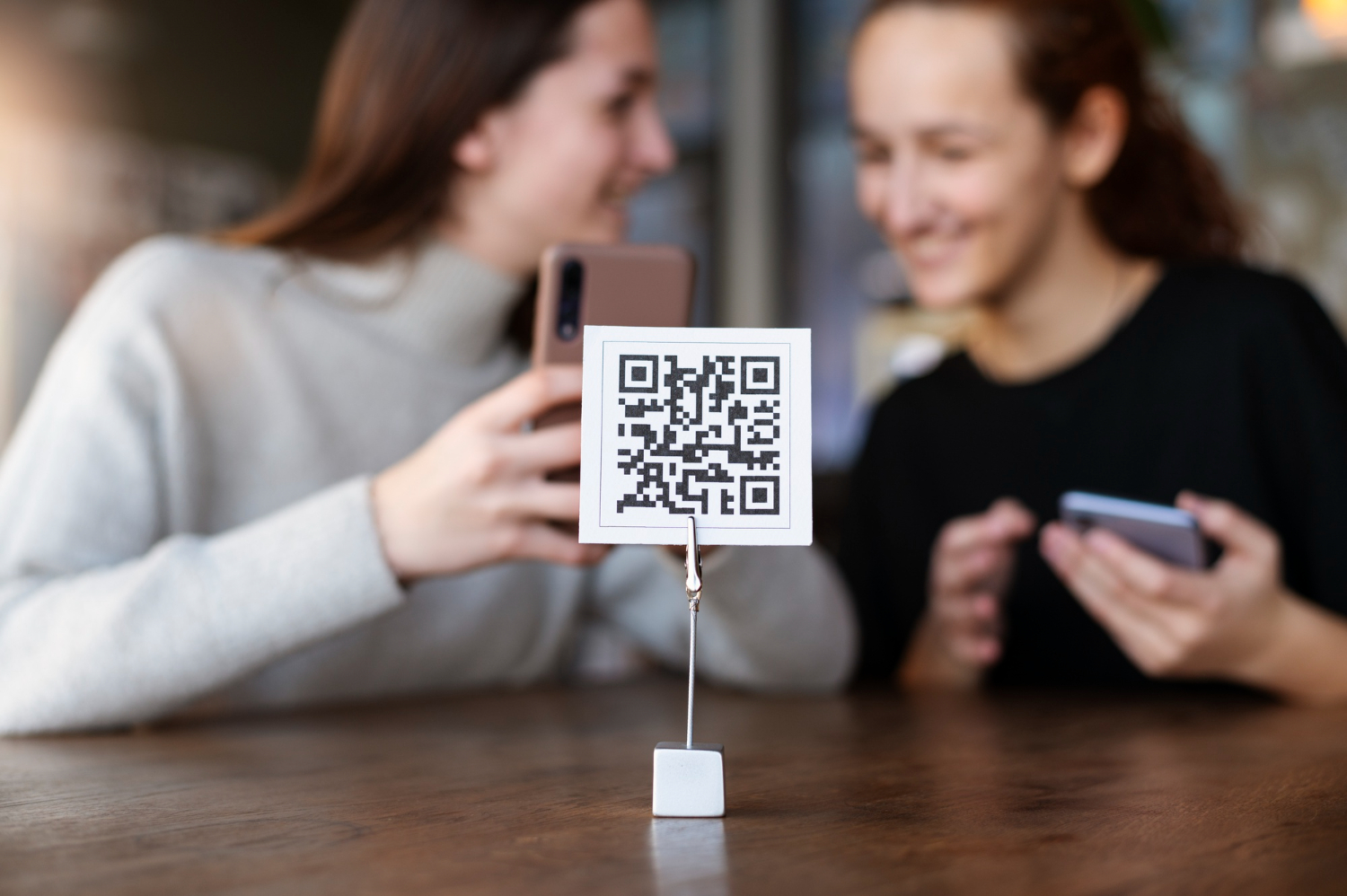
Your event’s first impression doesn’t start when the keynote begins—it starts at the door. In the digital era, the most reliable way to reduce lines, prevent entry confusion, and keep your team calm is a digital check-in workflow built around mobile devices, real-time attendance updates, and backup-ready offline mode.
This guide breaks down what a strong digital check-in setup looks like—and which features matter most when you’re planning for real-world conditions.
Why digital check-in beats paper lists
Paper lists and spreadsheets create bottlenecks: names get missed, duplicates slip through, and you lose visibility when multiple staff are checking people in at once. A mobile check-in system improves the arrival experience by enabling faster verification and reducing staffing strain—especially when you’re expecting high volume or VIP arrivals.
A well-run digital check-in delivers:
- Shorter lines and faster throughput
- Fewer mistakes (duplicates, wrong names, unclear plus-ones)
- Live attendance visibility for organizers
- Cleaner data for post-event reporting and follow-up
Core check-in methods: search and QR scanning
The fastest systems typically support two entry paths:
1) Quick name search
Staff can pull up a guest record with a few taps—useful when someone forgot their invite, their phone died, or the badge needs to be reissued.
2) QR code scanning
A unique QR code per attendee allows near-instant check-in, while also helping prevent duplicate entries. If a code is already used, the system flags it so staff can resolve the situation immediately instead of guessing.
“Tap-to-check-in” with NFC for high-touch events
For invitation-only experiences where speed and polish are everything, NFC-based check-in can replace scanning and searching. Guests tap their invite (or a paired NFC credential) to register arrival instantly, and the check-in status updates across devices.
This approach is especially useful for:
- VIP access
- Tight arrival windows
- High-profile entrances where you want minimal friction
Digital passes in mobile wallets: less friction, fewer “I can’t find my ticket” moments
Instead of asking attendees to download an app or dig through email threads, many events now send a scannable pass guests can save to their phone wallet. These passes can include details like name, event info, and even seating assignment (when applicable).
This is one of the simplest upgrades you can make to:
- Speed up entry
- Reduce support requests
- Improve the overall “premium” feel of arrival
Handling plus-ones without confusion
Plus-ones are a common source of check-in headaches—especially when the guest arrives separately, uses a different last name, or checks in at another entrance.
The cleanest systems link the main guest and their plus-one(s) so staff can:
- Find either person and see the paired record
- Check both in smoothly, without manual notes or guesswork
Real-time synchronization and live attendance stats
When multiple staff are checking people in simultaneously, you need a single source of truth. A strong digital check-in workflow keeps guest statuses synchronized across devices and gives organizers a live view of progress.
Useful real-time indicators include:
- Total checked in vs. expected
- Arrival pace (helpful for timing program start)
- Status breakdowns that help teams coordinate onsite flow
Offline mode: because venues aren’t always reliable
Connectivity issues are normal at busy venues. The most dependable check-in setups allow you to preload guest lists onto devices, keep checking people in even without service, and then sync updates once the connection returns—often with clear indicators when syncing is delayed.
If you plan for anything in 2026, plan for this.
VIP accuracy with guest photos
For high-profile guests, security-sensitive entries, or events with large lists, adding guest photos to profiles can speed up identification and reduce awkward “Are you on the list?” moments.
Onsite badge printing: professional, fast, and flexible
If you’re issuing badges, the strongest workflows can generate personalized badges at the door (often via a mobile device paired with a compatible printer). Badges can include name, company, and optional details like seat number—plus an optional QR code for access validation or other uses.
This is especially useful for:
- Walk-in registrations
- Last-minute guest list changes
- Multi-zone access or credentials
Post-event reporting that actually helps you improve
The check-in process creates valuable data—attendance totals, arrival timing, no-show rates, and engagement patterns. A good system lets you export attendance results for deeper analysis and future planning, and it can also feed into your broader contact database so follow-up becomes more targeted.
A simple digital check-in checklist for 2026
Before event day, confirm you have:
- Name search + QR scanning enabled
- A plan for VIP/NFC or expedited entry (if needed)
- Mobile wallet passes or a clear ticket delivery method
- Plus-one logic that keeps paired guests together
- Real-time sync across devices + a live attendance view
- Offline mode and preloaded guest lists as backup
- Optional: guest photos for VIP accuracy
- Optional: onsite badge printing workflow
- Post-event reporting/export plan